A private notes app that locks your notes
Washi Notes keeps your notes in your browser until you choose to sync. When you do, they’re locked on your own device before they leave it, and only devices signed in with your phrase can open them.
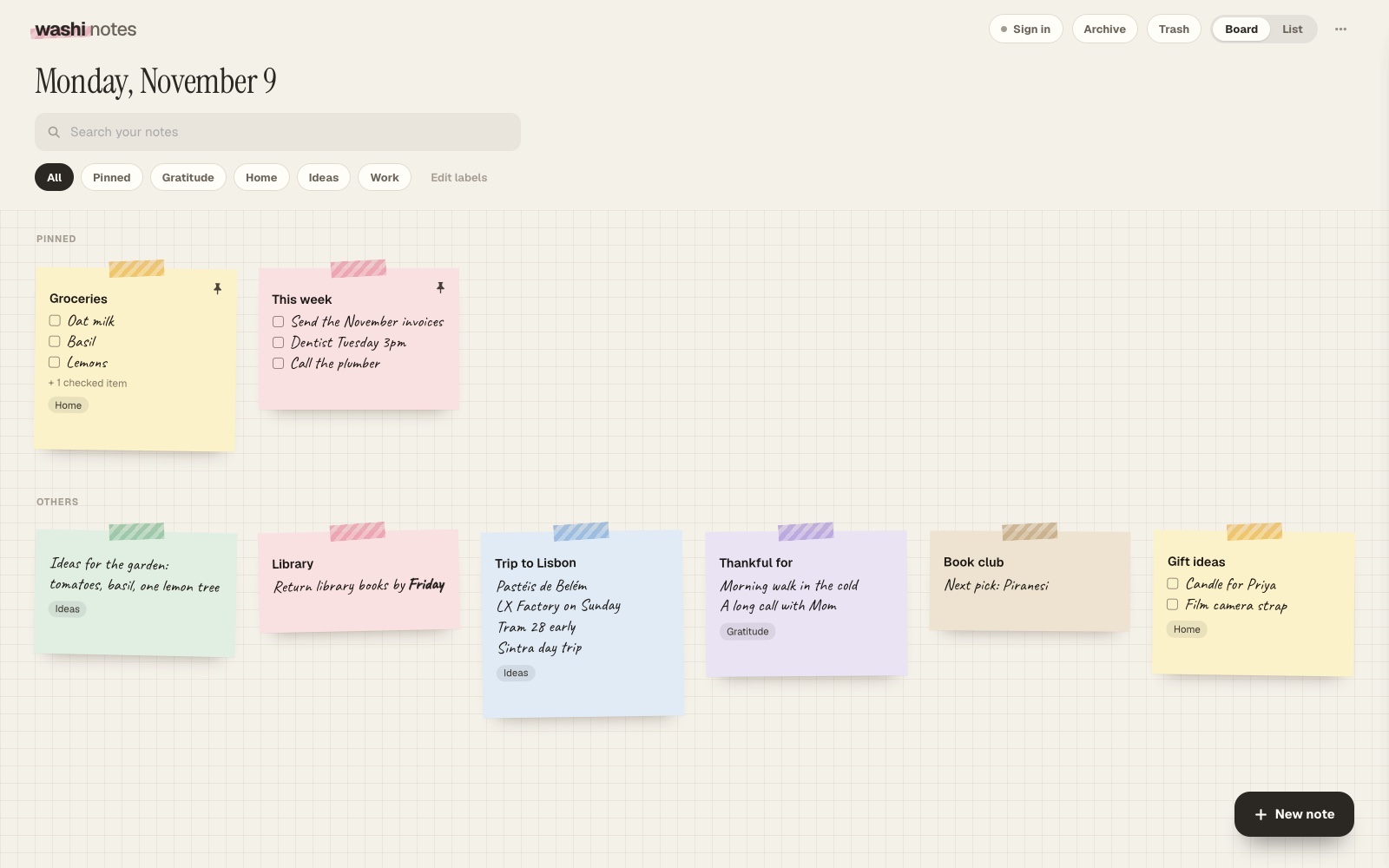
No account to make
There’s no email, password or Google account. Open the app and start writing. To use your notes on a second device, you make a six-word phrase, and that phrase is the only way in.
Locked before it’s synced
- Your phrase makes a lock key on your device. Notes are locked with it (AES-256-GCM) before they’re sent.
- The server never sees your phrase, only a separate access key that finds your locked copy.
- No ads and no tracking. We only count visits, with no cookies.
Hard to lose
Every delete has Undo, the Trash keeps notes for 7 days, and synced notes keep an earlier copy for each of the last 30 days. Back up saves a file you keep yourself.
The full details are on how your notes are kept safe.
Questions
Can you read my notes?
No. Synced notes are locked on your device before they are sent, and the server never receives your phrase, so it only holds a copy it cannot open.
What if I forget my phrase?
Signed-in devices can show it again under Your account. If no device is signed in, the phrase cannot be reset, so keep it in a password manager or written down somewhere safe.
Is it free?
Yes. Washi Pro is $12 once and adds Google Keep import, more handwriting and more paper styles.
Open Washi Notes
Free. Washi Pro is $12 once, for both Washi Notes and Washi Deck.