A simple checklist app with no account
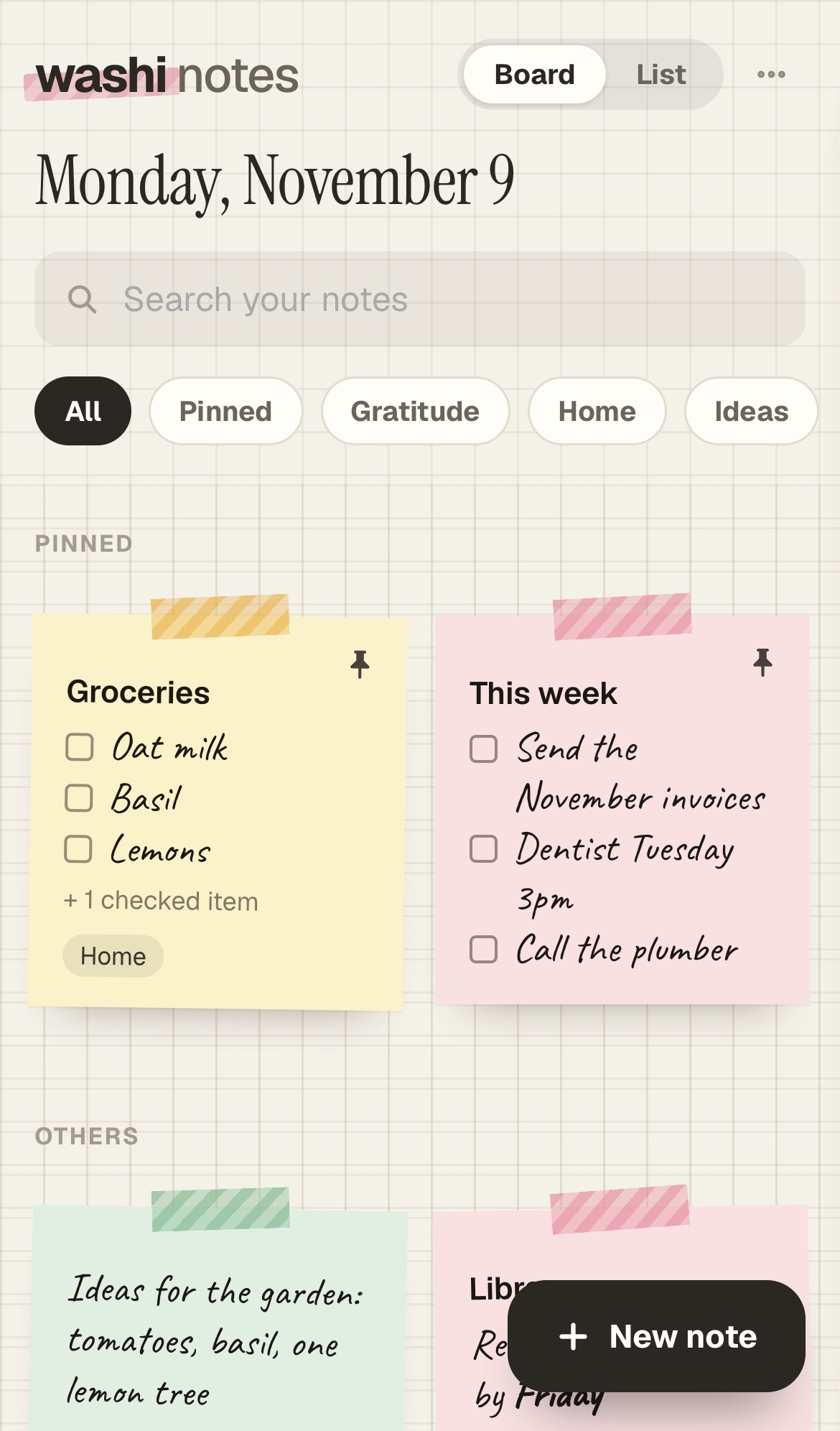
In Washi Notes a checklist is just another kind of note. Tick an item and it moves to the bottom, so what’s left to do stays on top.
Making one
- Open Washi Notes.
- Open the ⋯ menu and choose New checklist.
- Type an item and press Return for the next one.
Keeping lists tidy
- Give lists a label, like Groceries or Packing, and find them from the side or with search.
- Pin the list you use most so it stays at the top.
- Archive a list when you’re done with it, and bring it back next time.
It works offline, so a grocery list still opens in a store with no signal.
Open Washi Notes
Free. Washi Pro is $12 once, for both Washi Notes and Washi Deck.